
Figures and mosaics#
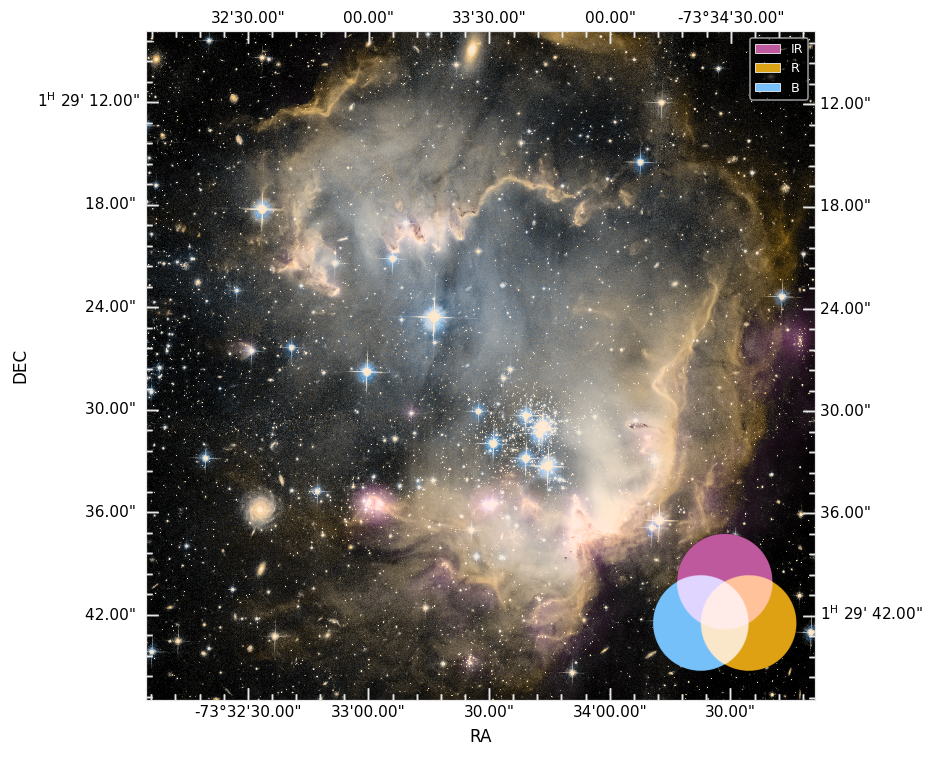
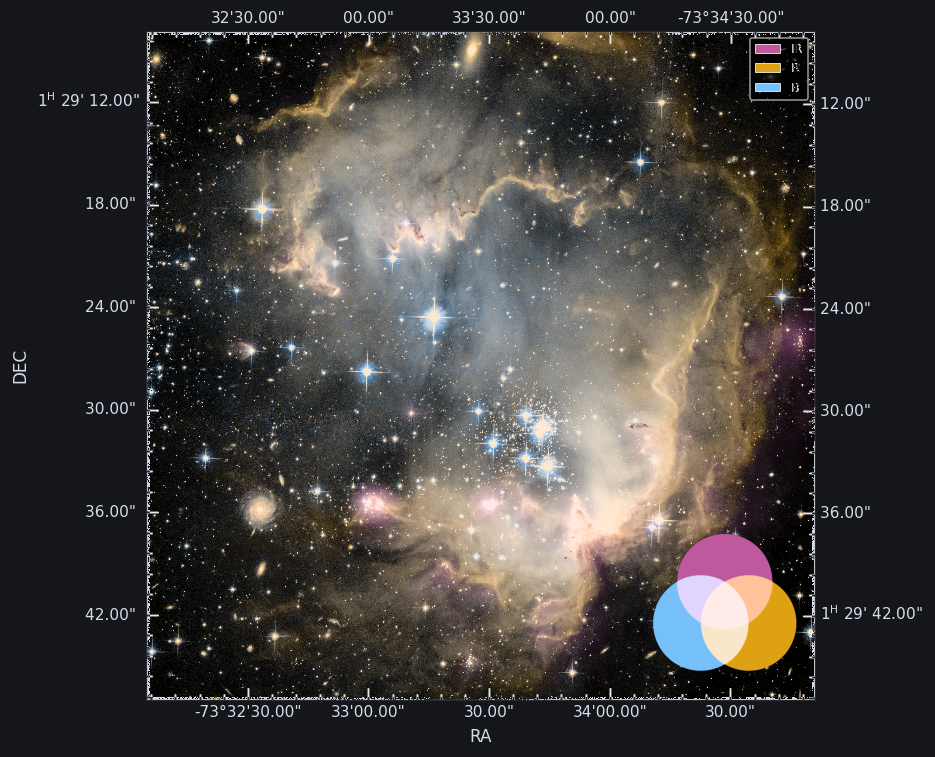
Combined WCS figure#
from multicolorfits.figures import make_combined_figure

rgb = session.render_combined()
fig, ax = make_combined_figure(session, combined=rgb)
Compose flags on session.compose control ticks, title, legend, combo swatch,
band labels, and optional skyplothelper overlays. Legend / swatch concepts:
Session model.
Component mosaic#
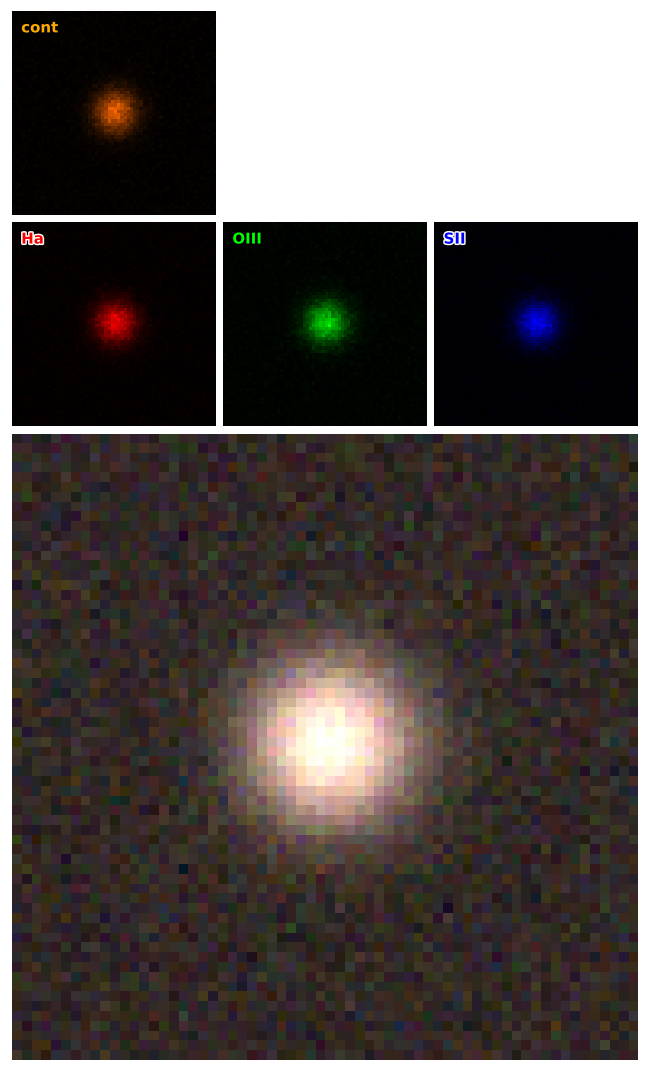
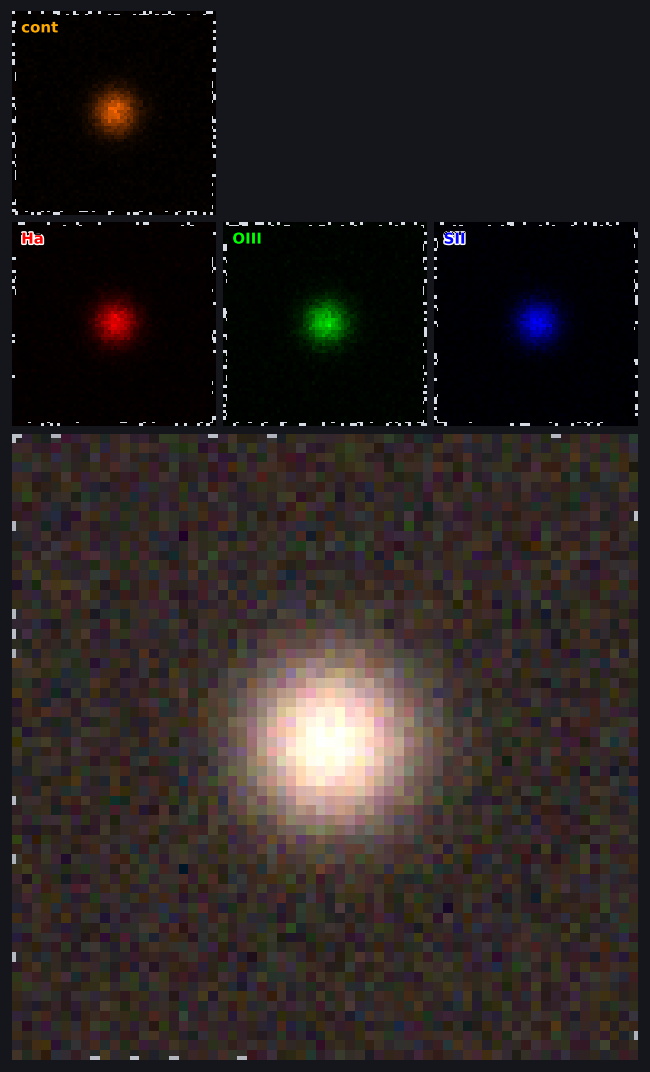
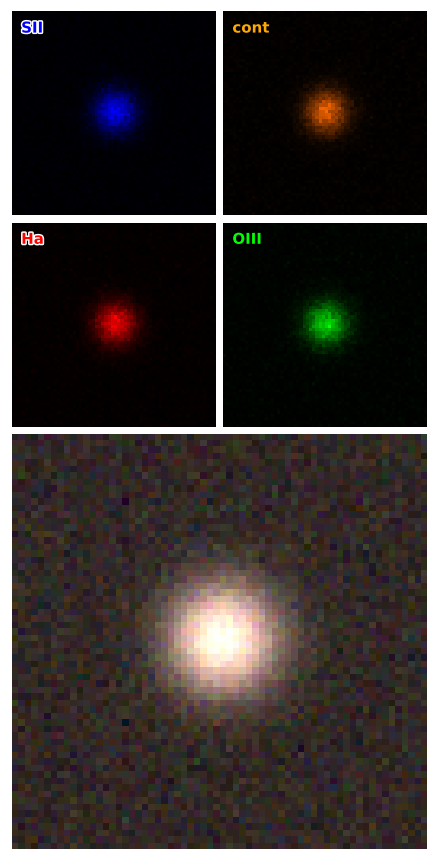
Hero combined panel plus a strip of colorized components on a shared WCS:
import multicolorfits as mcf

fig, axes = mcf.make_component_mosaic(
    session,
    components='top',     # or bottom / left / right
    max_per_line=3,
    ticks='plain',        # plain | minimal | full
    overlays='hero',
)
# axes['combined'], axes['components']
Use this when you want a figure that explains each layer, not only the blend.
Layout examples#
Components on top, wrapping at three per row (max_per_line=3):
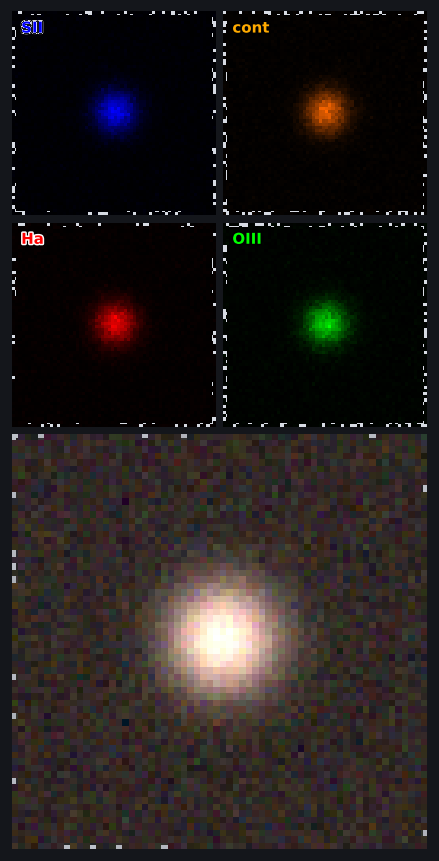
Tighter strip (max_per_line=2):
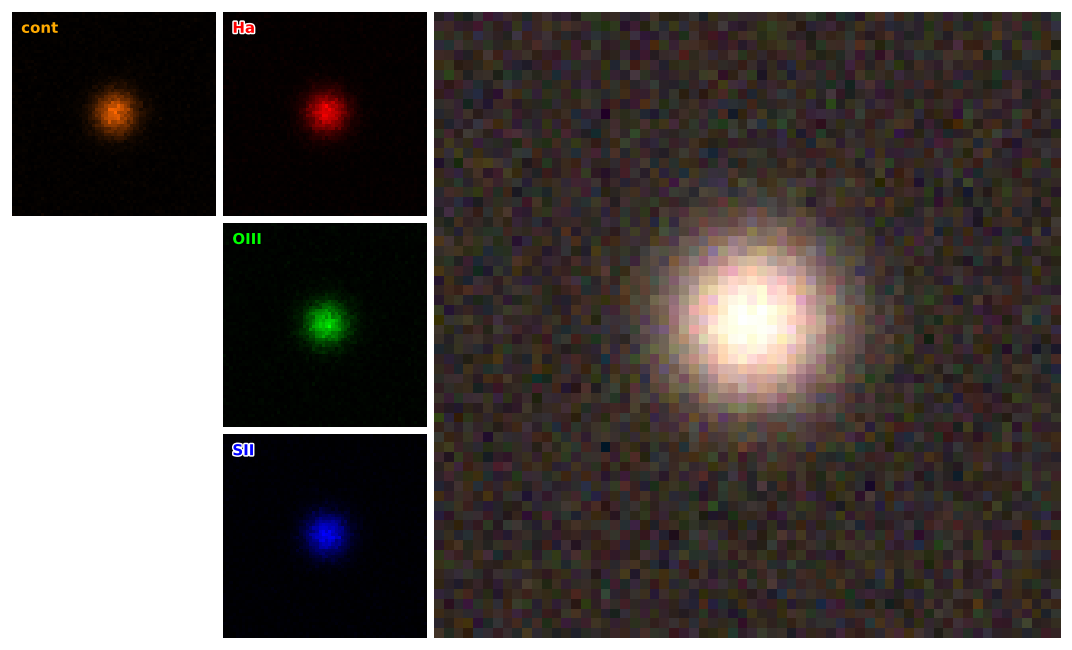
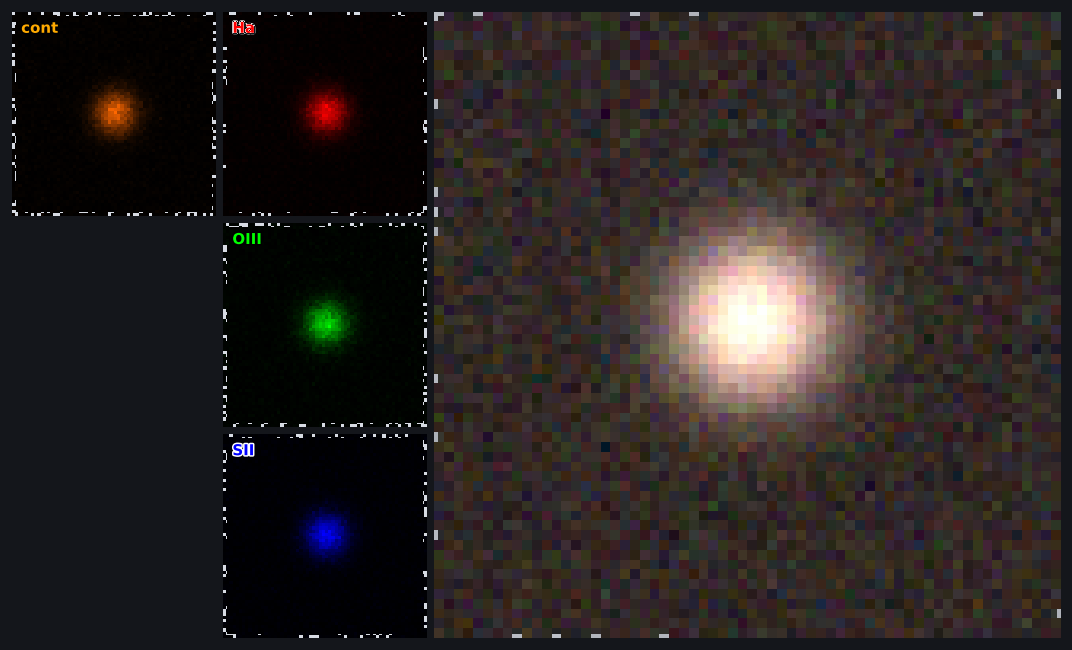
Components on the left of the hero:
Tutorial notebook: Component mosaic.
Local regen scratch → _static/mosaics/ via python docs/make_docs_figures.py.
Overlays (compass, beam, scale bar)#
Optional chrome from skyplothelper (pip install "multicolorfits[overlays]"):
s.compose.show_compass = True
s.compose.show_beam = True          # needs BMAJ/BMIN (etc.) in the header
s.compose.show_scale_bar = True
# locations: compose.compass_loc, beam_loc, scale_bar_loc, …

fig, ax = make_combined_figure(s)
# or on a mosaic hero only:
fig, axes = mcf.make_component_mosaic(s, overlays='hero')
Check availability with mcf.overlays_available(). Low-level helpers:
Overlays. Export Script emits the same toggles when they are on.