
Color compositing#
multicolorfits turns several greyscale FITS layers into one RGB figure by colorizing each layer (tint + intensity) and combining the tinted layers. The combine step is where most of the aesthetic choices live: additive vs perceptual vs subtractive mixing, how faint pixels fade, and whether overlapping hues wash out to white.
This page explains the compositing modes, which API to call for each, and why
two different keyword names — mode and colorspace — are both
intentional.
The pipeline in one sentence#
to_grey_rgb → colorize (per layer) → combine (mode-dependent) → optional background flatten
Every path assumes already-colorized RGB layers on a black background
(values from colorize_image), unless noted otherwise.
Choosing a compositing strategy#
Strategy |
Typical mental model |
Overlap of bright same-hue regions |
Yellow + blue at equal strength |
|---|---|---|---|
RGB (classic) |
Light on a screen |
Washes toward white |
White / grey (additive) |
Lab / HSV / HSL |
Perceptual or hue-vector blend |
Often keeps hue longer (Lab) |
Depends on mode + |
RYB |
Artist’s paint on white canvas |
Subtractive pigment mix |
Green (paint wheel) |
CMYK |
Print ink on white paper |
Ink coverage sum |
Black (all inks) |
Use RGB on black for the familiar astronomy look. Use Lab / screen when
bright overlaps should keep their hues longer. Use white-background RGB
(combine_multicolor_alpha or a non-black combine_background) for publication
figures without the legacy hue-flip inverse trick. Use RYB or CMYK when
you explicitly want subtractive overlap behaviour.
See the color-space compositing example
for side-by-side figures on Kepler SNR and NGC 602 (toggle plot light/dark
from the navbar). Generator script:
examples/compare_colorspaces.py.
Quick look — Kepler modes#
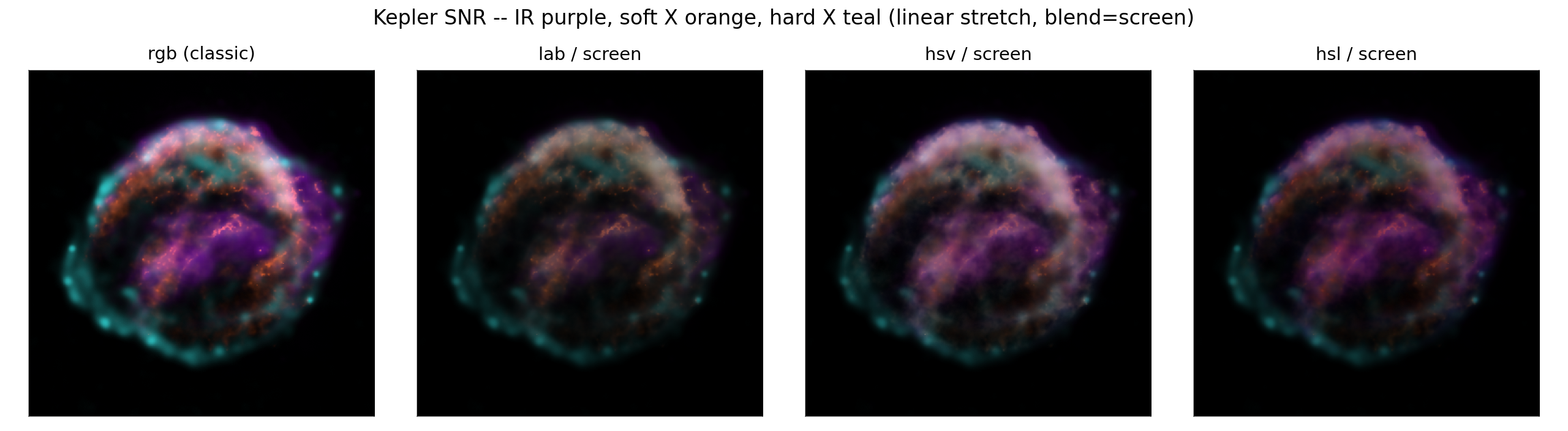
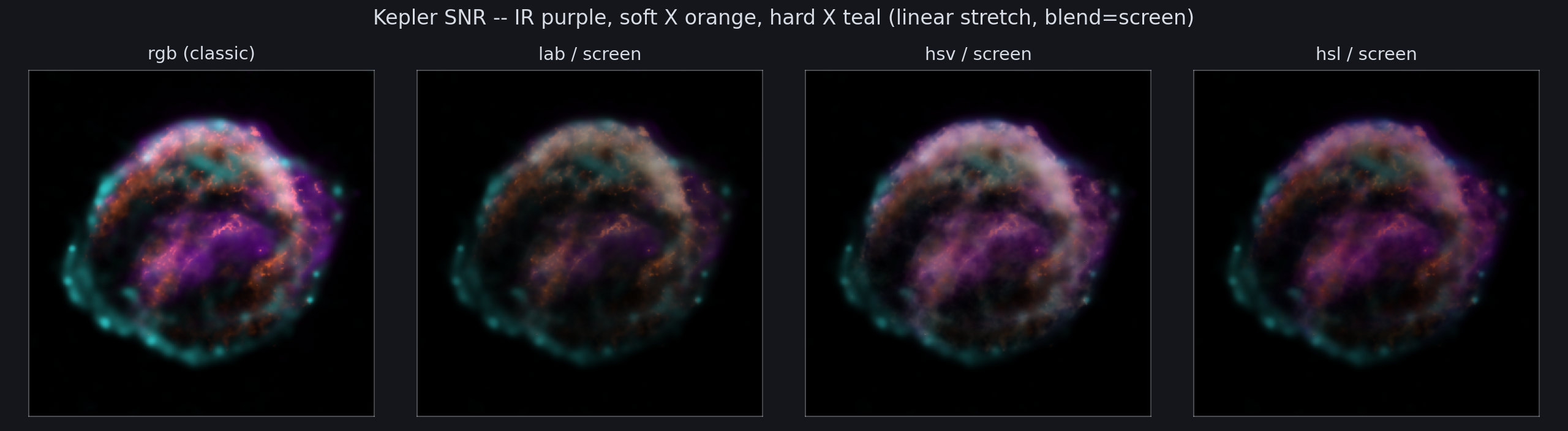
One dispatcher vs specialized functions#
Most scripting and both GUIs route through a single high-level selector:
import multicolorfits as mcf

combined = mcf.combine_colorized_layers(
    colorized_layers,
    mode='lab',           # same values as compose.combine_mode in the GUIs
    blend='screen',
    gamma=2.2,
    background='black',
)
McfSession.render_combined() and the combo-swatch legend call this same
function so the picture and the overlapping-circle annotation always agree.
Under the hood, mode dispatches to one of three compositing implementations:
combine_colorized_layers(mode=...)
    │
    ├─ mode in ('rgb',)     → combine_multicolor (additive channel sum)
    ├─ mode in ('lab','hsv','hsl') → combine_multicolor_colorspace(colorspace=mode, blend=...)
    └─ mode in ('ryb','cmyk')      → combine_multicolor_alpha(mode=mode, background=...)
Why mode and colorspace are different keywords#
The GUI and session state use combine_mode. The unified scripting helper
uses mode=. That name means: how should these already-tinted layers be
merged into one image?
A second entry point keeps a different keyword on purpose:
# Perceptual / hue-space mixer — always needs a lightness blend
mcf.combine_multicolor_colorspace(
    colorized_layers,
    colorspace='lab',    # not mode=
    blend='screen',
    gamma=2.2,
)

# Subtractive alpha compositing — always needs a background choice
mcf.combine_multicolor_alpha(
    colorized_layers,
    mode='ryb',          # or 'rgb', 'cmyk'
    background='white',
    gamma=2.2,
)
Keyword |
Used on |
What it selects |
|---|---|---|
|
|
User-facing compositing strategy: |
|
|
Which perceptual space drives the Lab/HSV/HSL mixer, plus the required |
The string values overlap ('lab' is both a mode and a colorspace), but the
roles differ:
modeis the router — one name for “what the GUI dropdown says.”colorspaceis the specialist — only the chroma/lightness math insidecolormix.py, where lightness blending (screen/sum/max/mean) is part of the API.
You rarely need to call both keywords for the same combine. Prefer
combine_colorized_layers(..., mode=...) in scripts; drop down to
combine_multicolor_colorspace or combine_multicolor_alpha only when you want
that function’s exact signature in an exported snippet or library code.
export_script() mirrors this split:
mode='rgb'→mcf.combine_multicolor(...)modeinlab/hsv/hsl→mcf.combine_multicolor_colorspace(..., colorspace='lab', blend=...)modeinryb/cmyk→mcf.combine_multicolor_alpha(..., mode='ryb', background=...)
Background compositing vs legacy inverse#
Classic combine_multicolor(inverse=True) does 1 − image at the end, which
flips every hue to its complement (why the v2 GUI needed hex_complement palette
tricks).
A cleaner publication look treats each colorized layer as premultiplied alpha and composites over a chosen background:
# White at zero signal, correct hues in bright regions
mcf.combine_multicolor_alpha(layers, mode='rgb', background='white', gamma=2.2)

# Transparent PNG for slides
rgba = mcf.combine_multicolor_alpha(layers, mode='rgb', background=None, gamma=2.2)
In the GUIs, the Background control (black / white / transparent / custom) supersedes the legacy Inverse checkbox whenever a non-black background is chosen.
Subtractive modes (RYB and CMYK)#
Both live in paintmix.py and use the same alpha/background machinery with
mode='ryb' or mode='cmyk'.
RYB — Sugita & Takahashi paint wheel; yellow + blue → green.
CMYK — standard print-ink model; yellow + cyan → green; yellow + blue → black.
RYB is wired into both GUIs today. CMYK is API-only until the compose dropdown
catches up — use mode='cmyk' from scripts for testing.
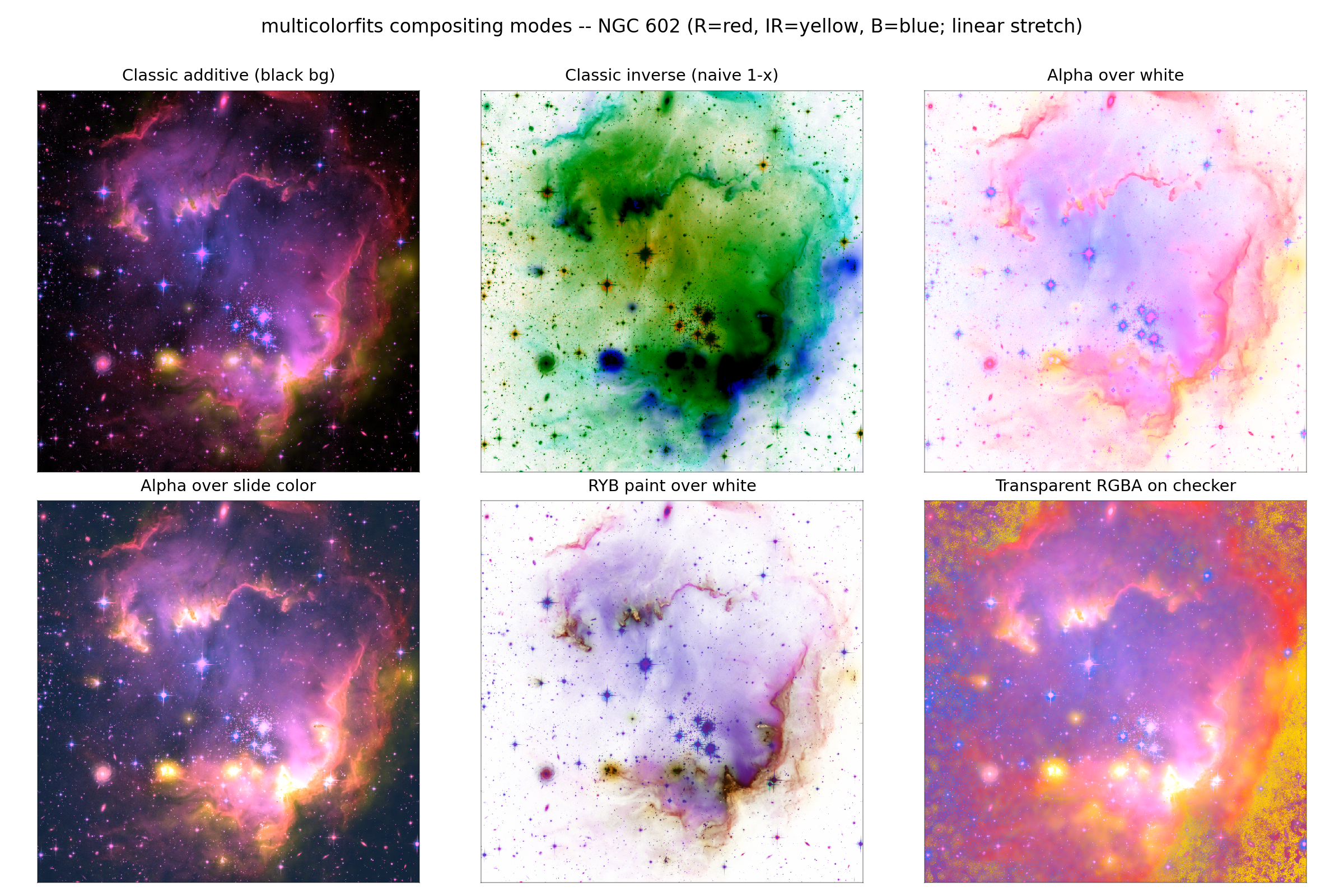
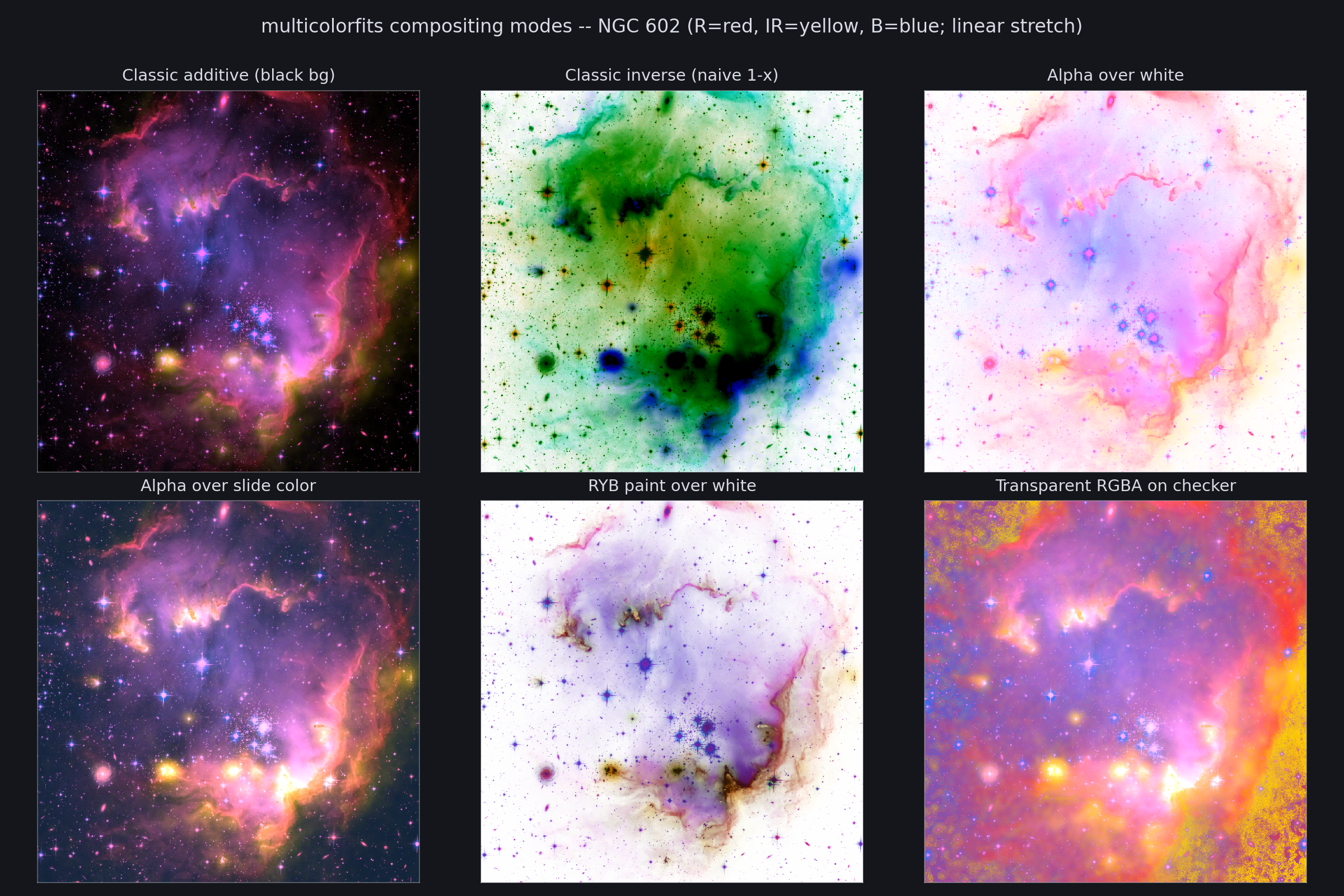
Tutorial sketch: Backgrounds and RYB paint mixing. Full grids: Color-space compositing suite.
Quick reference#
import multicolorfits as mcf

# Recommended scripting entry (matches GUI combine_mode)
out = mcf.combine_colorized_layers(layers, mode='lab', blend='screen', gamma=2.2)

# Direct specialists (same math, explicit keywords)
out = mcf.combine_multicolor_colorspace(layers, colorspace='lab', blend='screen', gamma=2.2)
out = mcf.combine_multicolor_alpha(layers, mode='ryb', background='white', gamma=2.2)

# Classic v2 path (still valid)
out = mcf.combine_multicolor(layers, gamma=2.2)
|
Primary function |
Extra args |
|---|---|---|
|
|
|
|
|
|
|
|
|